Use the data you already have
Connect product fields and supported metafields. Keep the source details in Shopify, where they belong.
 MetaSpecs
PRODUCT SPECIFICATION TABLES FOR SHOPIFY
Turn the product data you already have into details your customers can actually use. Clean tables. The right variant. A natural fit for your store.
Free for 1 table and 25 products.
Pro $7.99/month or $79/year. See plans.
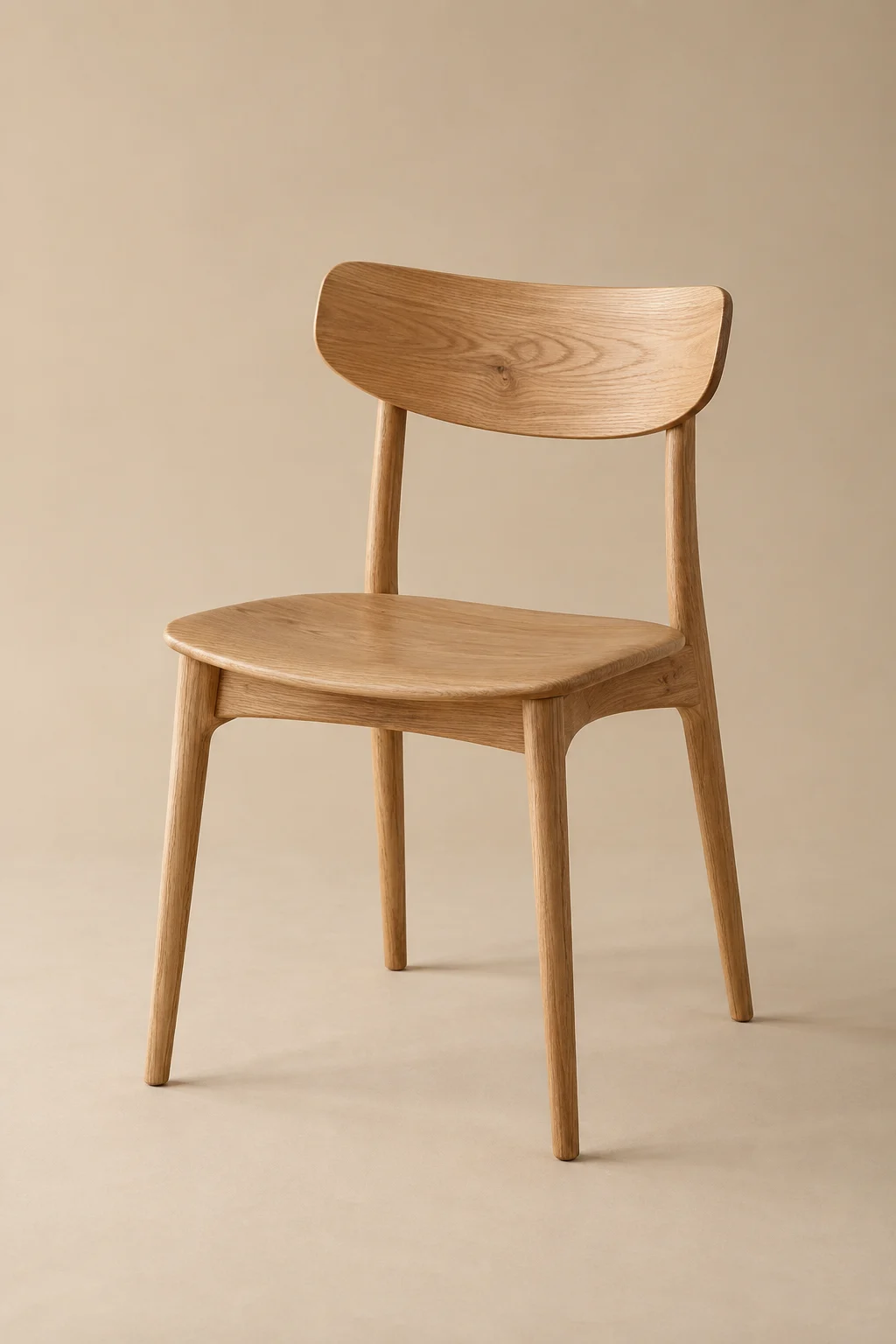
Made for slow mornings and long conversations.
| Material | Solid oak |
|---|---|
| Dimensions | 45 × 48 × 82 cm |
| Weight | 5.2 kg |
| Finish | Natural oil |
| Care | Wipe with a soft cloth |
Illustrative products and data. Your live table inherits your store’s theme.
Features
Dimensions that answer “Will it fit?” Materials that explain the feel. Variant details that remove the guesswork.
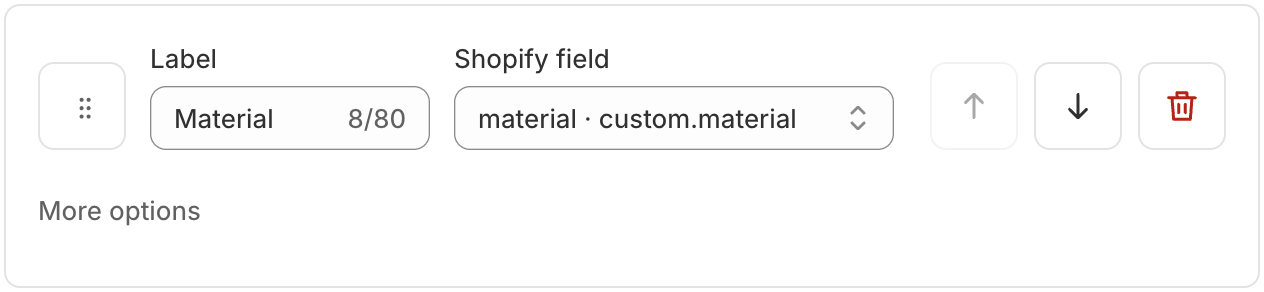
Connect product fields and supported metafields. Keep the source details in Shopify, where they belong.
Show the dimensions, weight, SKU and metafield values of the selected variant.
Your theme sets the look. Adjust the theme block on any plan, or use Pro for more appearance controls and a two-column mobile option.
Edit a draft, preview real products, then publish. A newer save made elsewhere is never silently overwritten.
On Pro, connect row labels to product text metafields translated through Shopify.
Use explicit assignments, or Pro rules based on tags, type, vendor, collection and category.
How it works

Choose a starter or scan for existing fields. Pick the product data you want to show.
Organize rows, preview a real product and choose the presentation that fits your theme.
Publish your table, then add the Spec table block to your product template in the theme editor.
A closer look
See the product, the source fields and the preview together. Save a draft before changing what customers see.
FAQ
MetaSpecs is in early access and is not publicly listed in the Shopify App Store yet. Contact hello@madovertech.io to discuss your store. If you already have access, open MetaSpecs from Shopify admin.
No. Connect rows to existing Shopify product fields and supported metafields. You still need to supply any missing source values; MetaSpecs does not invent product specifications.
You need an Online Store product template that supports theme app blocks. Add Spec table inside the product section, then test your own template and variant picker. Dawn, Horizon and an Impulse trial theme have been checked; that does not guarantee every custom theme.
Yes. Use native variant fields or supported variant metafields, and place the app block in the same product section as the variant picker.
MetaSpecs currently builds specification tables for an individual product and its selected variant. Side-by-side product comparisons, size-chart tools and generated PDF exports are not included. Existing file links can be shown in a table.
Your saved drafts stay editable. Free keeps one table live on up to 25 products. Choose the table and products to keep in Billing before the change takes effect.
Early access
Show us your catalog. We’ll help you find a clear way to present it.
Get early accessAlready have access? Open MetaSpecs in Shopify admin.