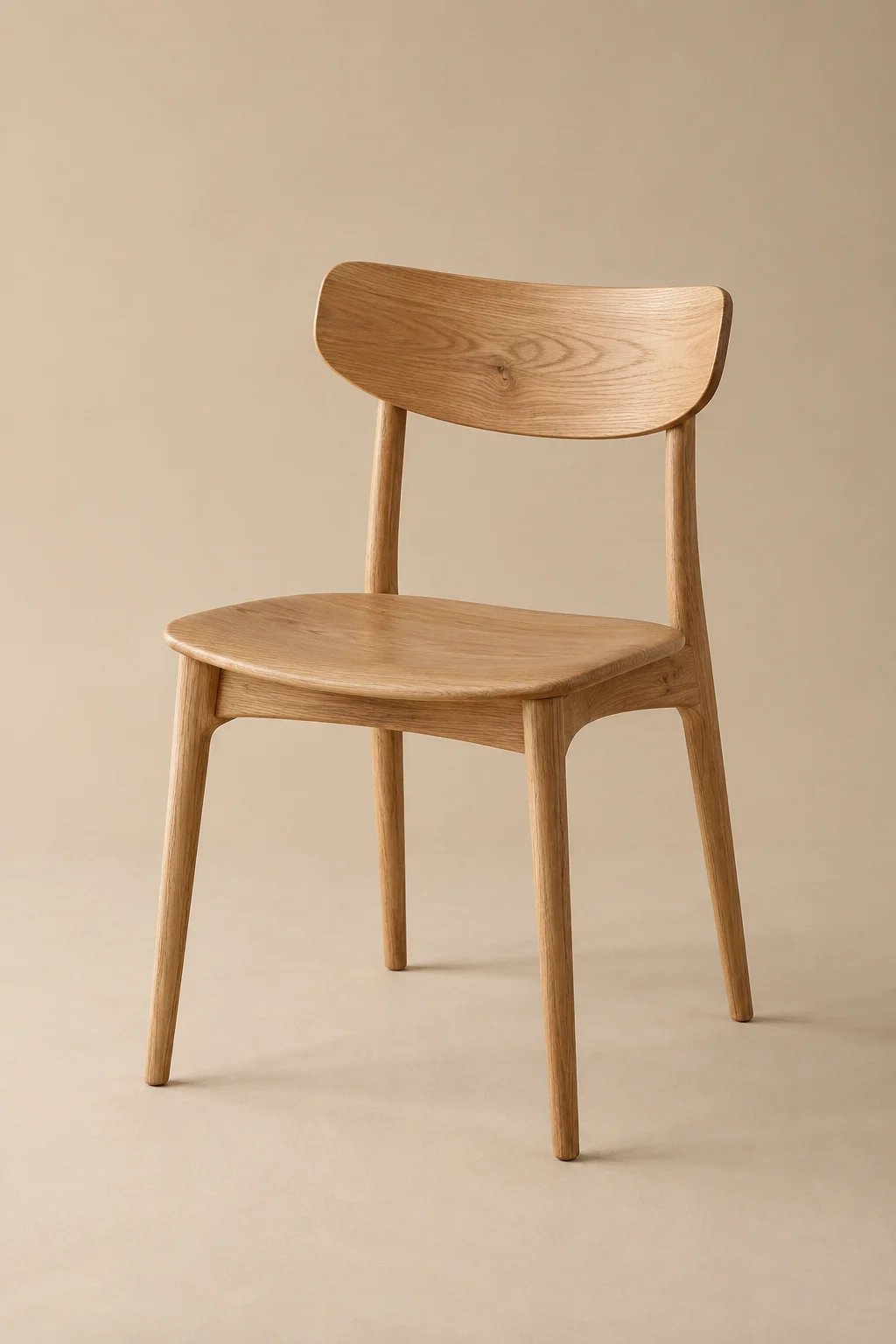
Furniture & home
Will it fit? What is it made of?
Dimensions · Material · Finish · Weight · CareConnect dimensions and materials to product metafields; use variant fields when sizes or finishes differ.
 MetaSpecs
Examples
Try a product category, switch variants and hide an empty row. These illustrative examples show how a few well-chosen details make a product easier to understand.
Made for slow mornings and long conversations.
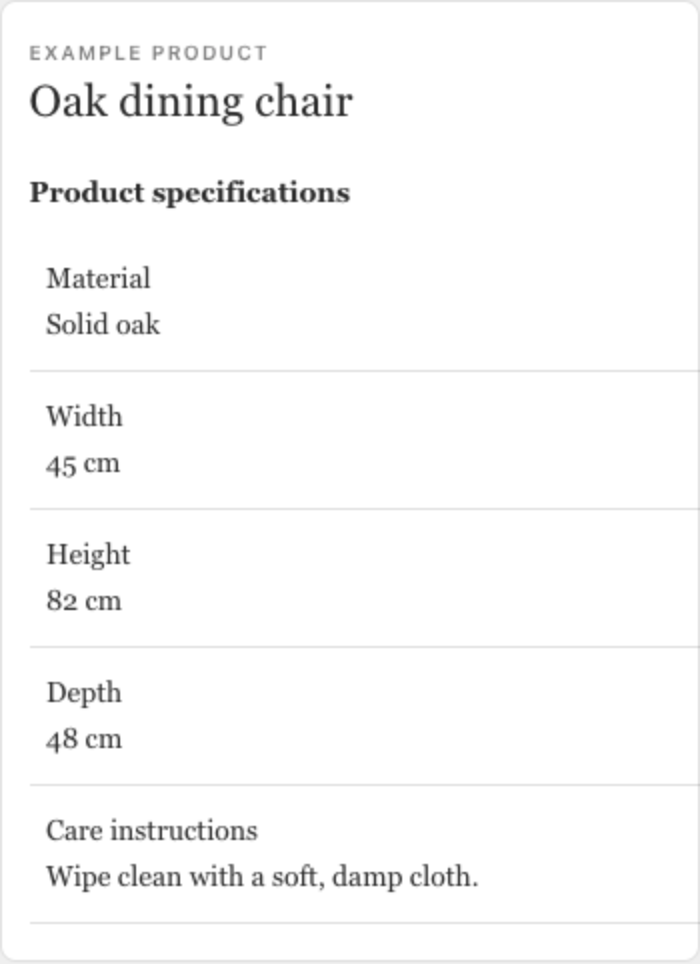
| Material | Solid oak |
|---|---|
| Dimensions | 45 × 48 × 82 cm |
| Weight | 5.2 kg |
| Finish | Natural oil |
| Care | Wipe with a soft cloth |
Illustrative products and data. Your live table inherits your store’s theme.
Starting points
Will it fit? What is it made of?
Dimensions · Material · Finish · Weight · CareConnect dimensions and materials to product metafields; use variant fields when sizes or finishes differ.

Will it work in my space?
Power · Output · Color temperature · Cable · CompatibilityKeep units consistent. Use a file metafield to link an existing manual or technical document.

What will it carry? How does it feel?
Capacity · Weight · Material · Dimensions · CareUse variant metafields for different capacities. Group construction and care details for easy scanning.
Example fields are suggestions. MetaSpecs does not create or verify the underlying product claims.
Mobile
Preview a real product at phone width. Stacked mobile rows work on every plan; Pro adds a two-column option.
Early access
Show us your catalog. We’ll help you find a clear way to present it.
Get early accessAlready have access? Open MetaSpecs in Shopify admin.