Use the data you already have
Connect product fields and supported metafields. Keep the source details in Shopify, where they belong.
 MetaSpecs
Features
Turn existing Shopify details into useful product specifications, and control how and where they appear.
Connect product fields and supported metafields. Keep the source details in Shopify, where they belong.
Show the dimensions, weight, SKU and metafield values of the selected variant.
Your theme sets the look. Adjust the theme block on any plan, or use Pro for more appearance controls and a two-column mobile option.
Edit a draft, preview real products, then publish. A newer save made elsewhere is never silently overwritten.
On Pro, connect row labels to product text metafields translated through Shopify.
Use explicit assignments, or Pro rules based on tags, type, vendor, collection and category.
Product data
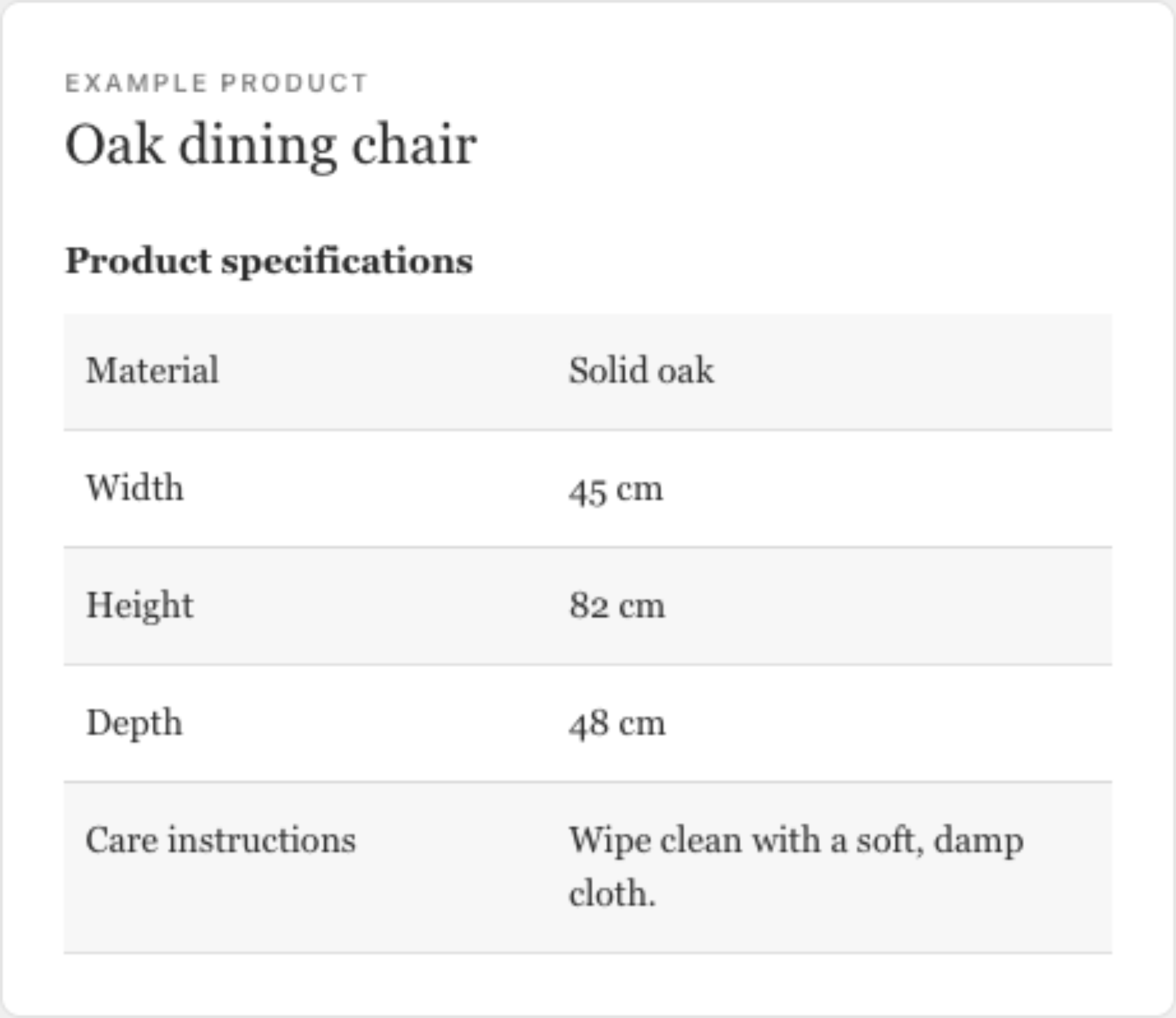
Text, numbers, dimensions, weight, volume, money, booleans, dates, colors, ratings, links and supported lists. Connect a file for a manual or care guide, too.
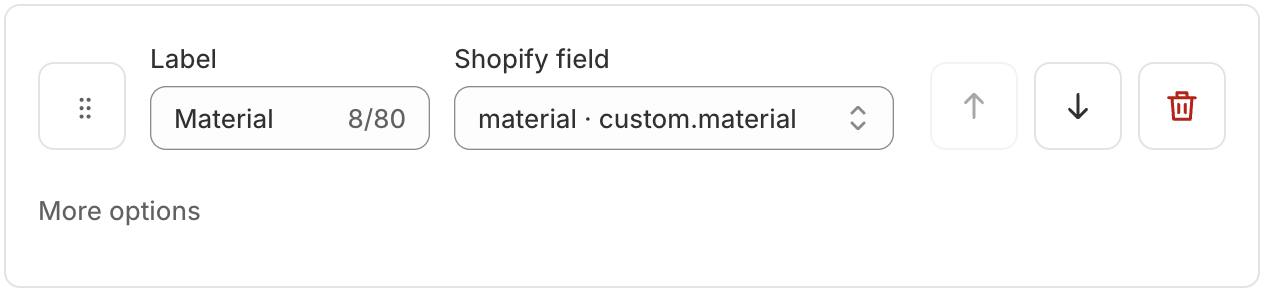
Furniture, lighting and general starters help organize a first table. A field scan suggests populated rows from a small product sample. You decide what belongs.
Hide missing values for a cleaner table. Keep meaningful values such as zero and false. Check the preview before you publish.
Design
Group related rows and add short explanations on any plan. Pro adds advanced appearance, collapsible groups and a two-column mobile layout.
Automatic rules · Pro
Match by tag, type, vendor, collection or category. Order rules, preview matches and see conflicts before publishing. Explicit product assignments take priority.
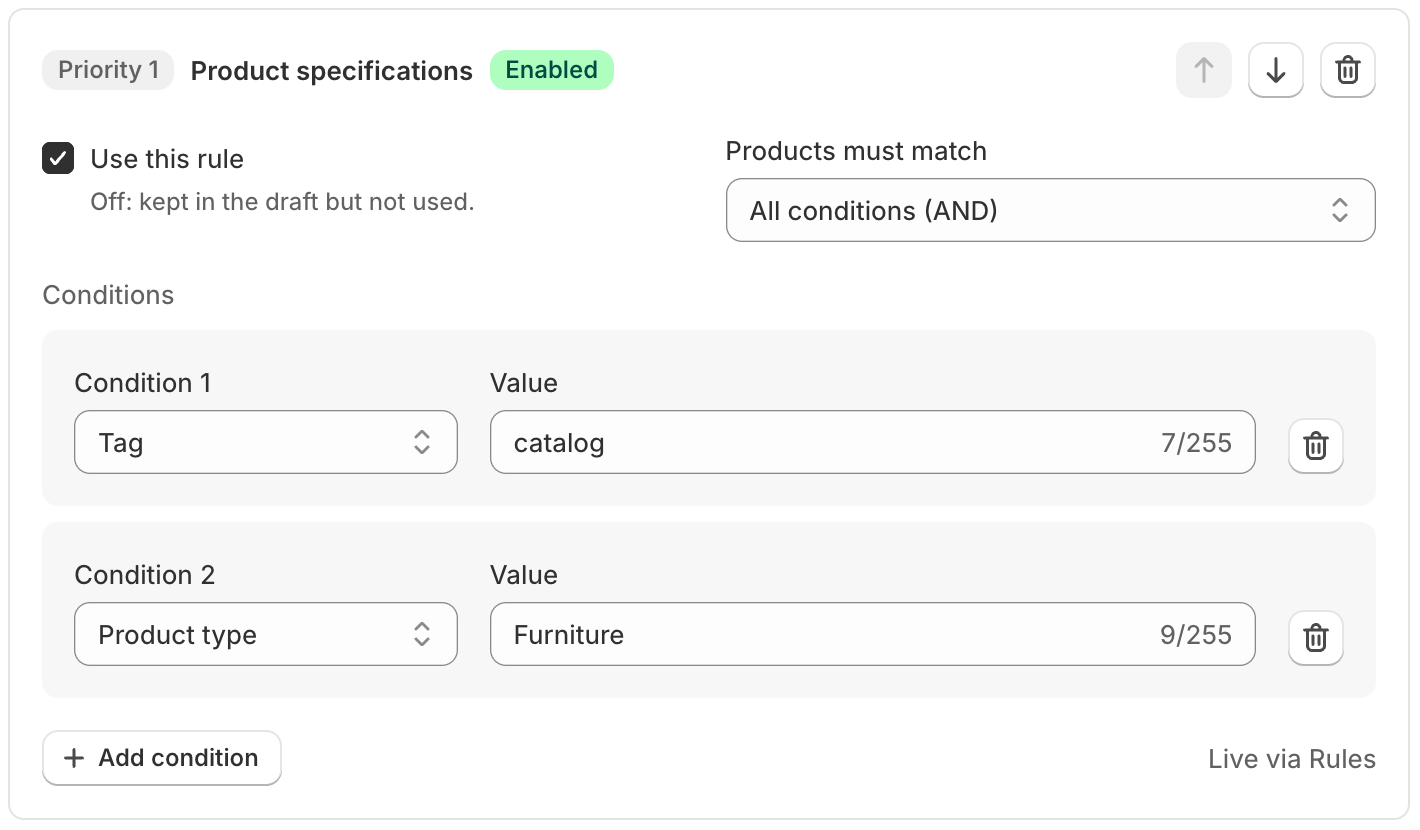
Rules publish the latest saved draft of each enabled table. Publish Rules again after those tables change. Read the rules guide.
MetaSpecs focuses on specification tables for one product and its selected variant. It currently does not provide side-by-side product comparisons, size-chart tools, bulk catalog imports or generated PDF exports.
Use an Online Store theme that supports app blocks. Each table supports 20 rows and 25 selected products or collections. See technical limits.
Early access
Show us your catalog. We’ll help you find a clear way to present it.
Get early accessAlready have access? Open MetaSpecs in Shopify admin.